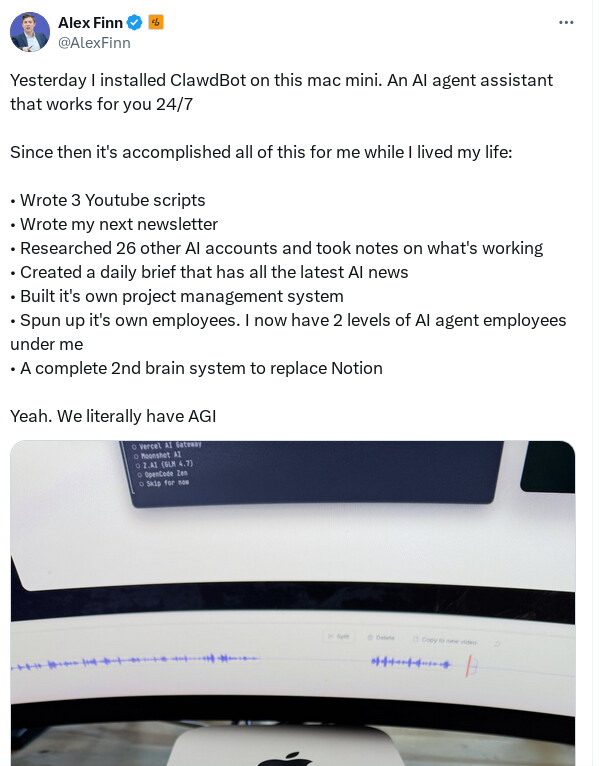
For the past week or so, I’ve been working with a digital assistant that knows my name, my preferences for my morning routine, how I like to use Notion and Todoist, but which also knows how to control Spotify and my Sonos speaker, my Philips Hue lights, as well as my Gmail. It runs on Anthropic’s Claude Opus 4.5 model, but I chat with it using Telegram. I called the assistant Navi (inspired by the fairy companion of Ocarina of Time, not the besieged alien race in James Cameron’s sci-fi film saga), and Navi can even receive audio messages from me and respond with other audio messages generated with the latest ElevenLabs text-to-speech model. Oh, and did I mention that Navi can improve itself with new features and that it’s running on my own M4 Mac mini server?
If this intro just gave you whiplash, imagine my reaction when I first started playing around with Clawdbot, the incredible open-source project by Peter Steinberger (a name that should be familiar to longtime MacStories readers) that’s become very popular in certain AI communities over the past few weeks. I kept seeing Clawdbot being mentioned by people I follow; eventually, I gave in to peer pressure, followed the instructions provided by the funny crustacean mascot on the app’s website, installed Clawdbot on my new M4 Mac mini (which is not my main production machine), and connected it to Telegram. …
For what it’s worth, Mac Mini’s prices RAM prices were matched with market prices awhile ago IIRC (because the latter has increased by so much), so the value proposition is particularly even better. It’s compatible and well suitable for Clawdbot, but any operating system with Node installed should work.
@A_User I’m a novice AI user. I have a free subscription to perplexity and have been using it more and more to ask all sorts of questions, but also health etc. so far so good
I’d love to get to the next step of having AI try to organize my life a little better when it comes to projects I’m working on.
Can I do that in perplexity (meaning, do all the AI’s offer that feature)… or do you recommend I try Clawbot?
You probably can only do that on Clawdbot, it’s directly interfacing with your hardware rather than through a browser with all of the functionality of a computer and what people can do on computers. Though that doesn’t mean you can’t interface with it through a browser, your iPad, phone, etc. If you have an old Mac laptop you can use on it. This is at the super frontier but it should be able to fix things on its own or create new functions if you direct it a bit.
You do not need clawdbot. If you want to mess with files on your computer, download Claude desktop, get a $20 pro plan, and click on Claude code or work. Connect to gmail, calendar, messages, and whatever else you want to join up. Add Claude for chrome if you want to let it do stuff on the web.
Totally good for things like “what orders did I make,” or “organize all these PDFs.”